By Zapyon Editorial Team · Published
Practical product and service guidance. Provider advice and current plan terms apply.
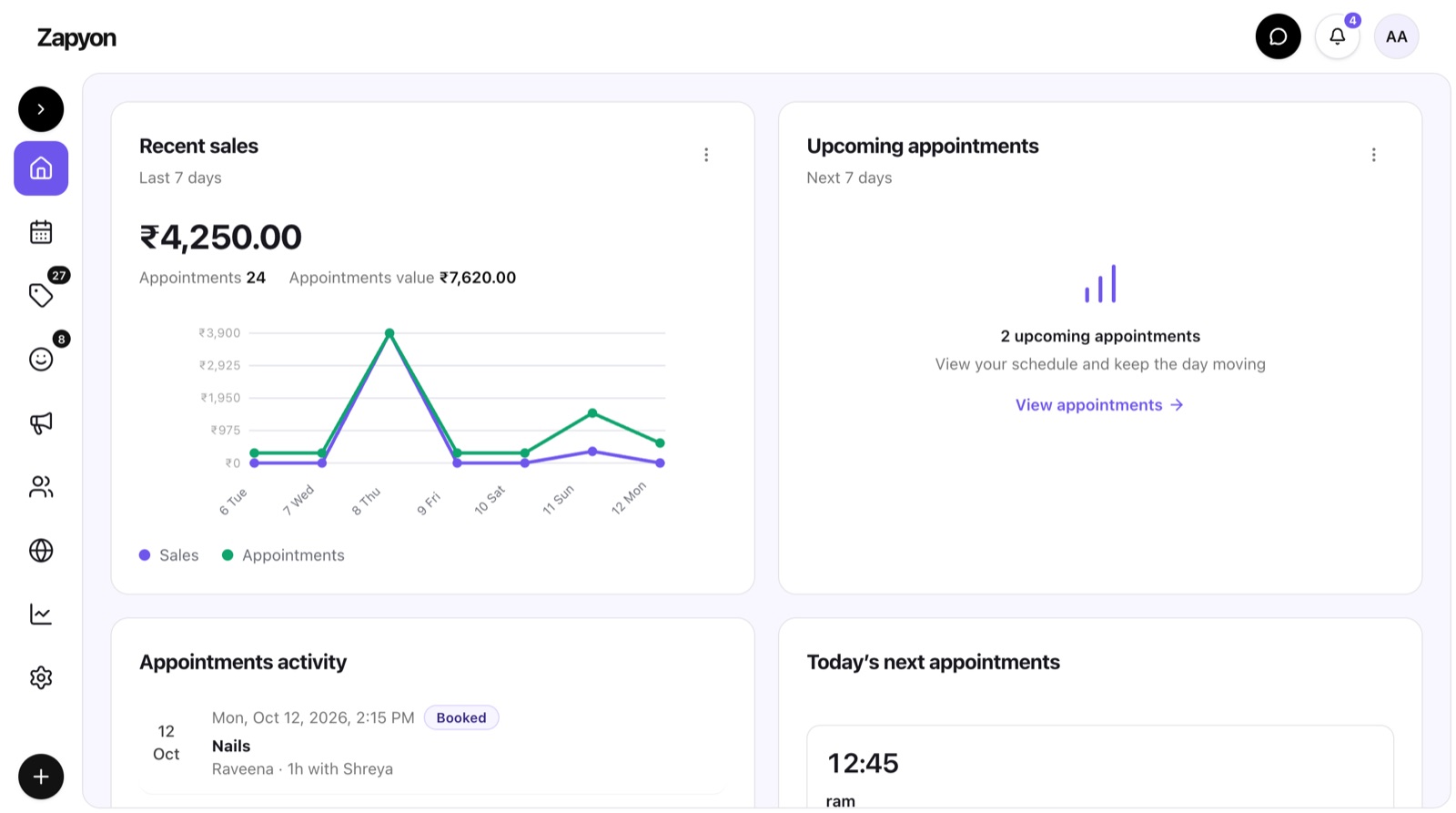
Build the service calendar first
Give each service a clear name, price and duration. Separate a trim from a restyle, and a root colour from a longer colouring appointment. Ask the professional who performs the service how much time is needed for preparation and finishing. Consistent service definitions make both staff and online bookings easier to understand.
Match appointments to people
Check which professionals can deliver each service and when they work. Record time off before customers select appointments. For visits involving multiple services, review the sequence and the professional responsible for each part. Availability should reflect the work your team can actually perform rather than simply the opening hours.
Agree how changes are handled
Choose who can move appointments and how customers are told. When a customer asks to change a time, check the new slot and affected team member before confirming it. Keep the original request clear until the change succeeds. A written procedure helps staff respond consistently during a busy day.
Review the day before opening
Look for unusually short appointments, overlaps and services assigned to the wrong professional. Confirm contact details for customers who need preparation instructions. Leave operational flexibility according to your own service times rather than applying one arbitrary gap to every appointment.
Use the calendar as the shared record
When a phone booking arrives, enter it into the same calendar used for online bookings. Avoid a separate paper or chat list that nobody reconciles. In Zapyon, review services, team availability and the public booking profile together before publishing the times customers can choose.
Explore your next step
This guide is published by the team behind Zapyon. It provides general information; confirm service suitability, inclusions and terms directly with the business.