Salon sales and business reports
Review business activity and sales with reports in your dashboard. Choose the reporting period and location before comparing results.
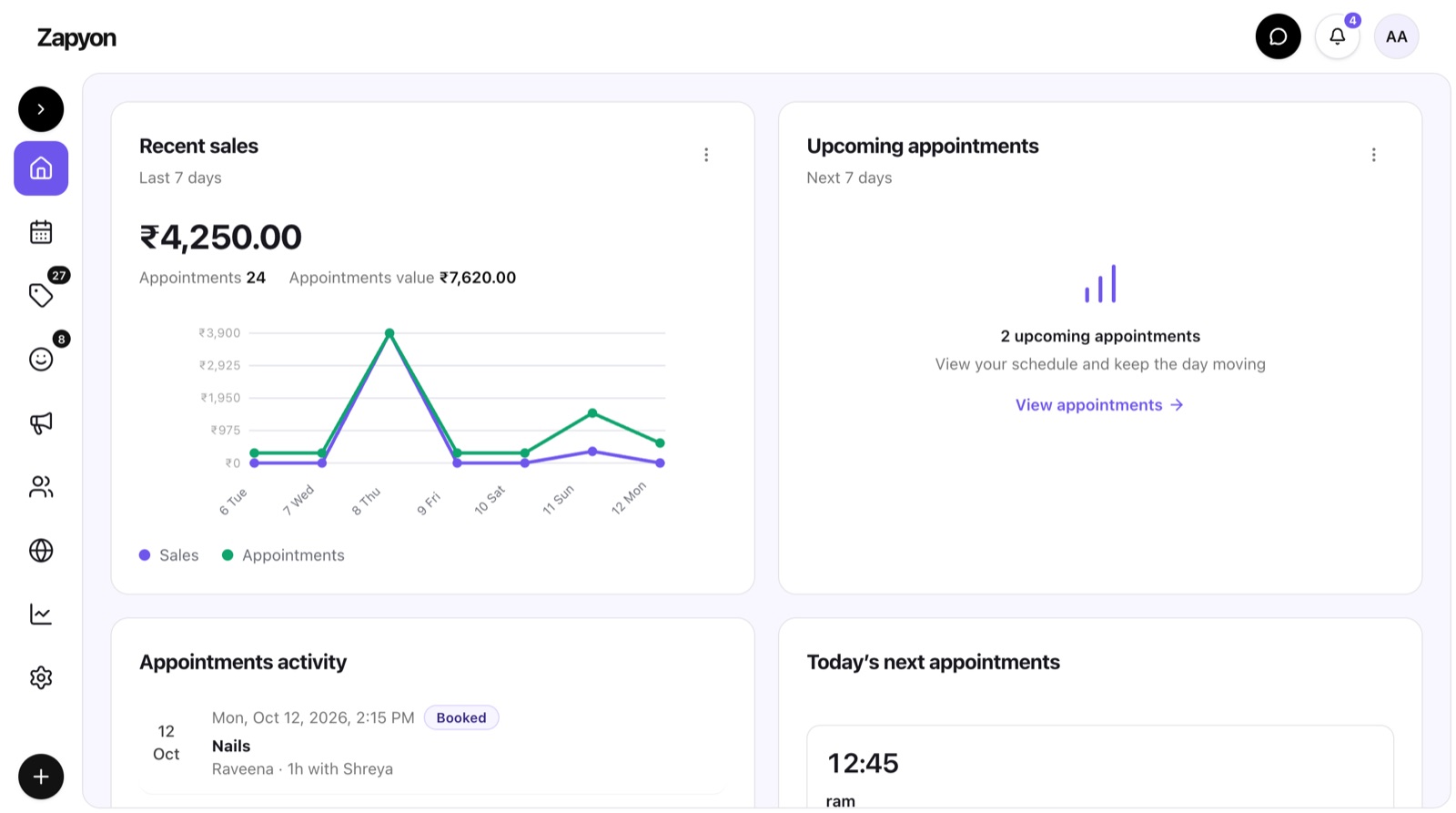
How the workflow works
Compare like-for-like periods and check how refunds, adjustments and payment timing affect totals. Use basic reports for daily review; advanced reporting and exports depend on your plan. Review underlying transactions when a total needs explanation.
A practical example
Compare two full weeks for the same location rather than comparing a partial day with an entire week.
Check the fit for your team
Walk through this workflow using your own services and team setup. Features, location limits and messaging allowances depend on the selected plan. Confirm current terms before subscribing.
Compare current plans